


Adding an asset from a data source
The Data Provider route is one of the three data sources in the Asset Builder—see our asset building options for the full set. It is the route for any asset that is already listed and priced externally.
To add one:
- Select Data Provider from the Data Source dropdown.
- Enter the Data Provider Ticker—the asset's ticker as it appears on Yahoo Finance, so it must match that symbol exactly. Look it up on Yahoo Finance if you are unsure.
- Optionally enter an Asset Ticker. This uniquely identifies the asset across the platform. If you leave it blank, it defaults to the Data Provider Ticker. Once set, it cannot be changed.
- Click Add Asset.
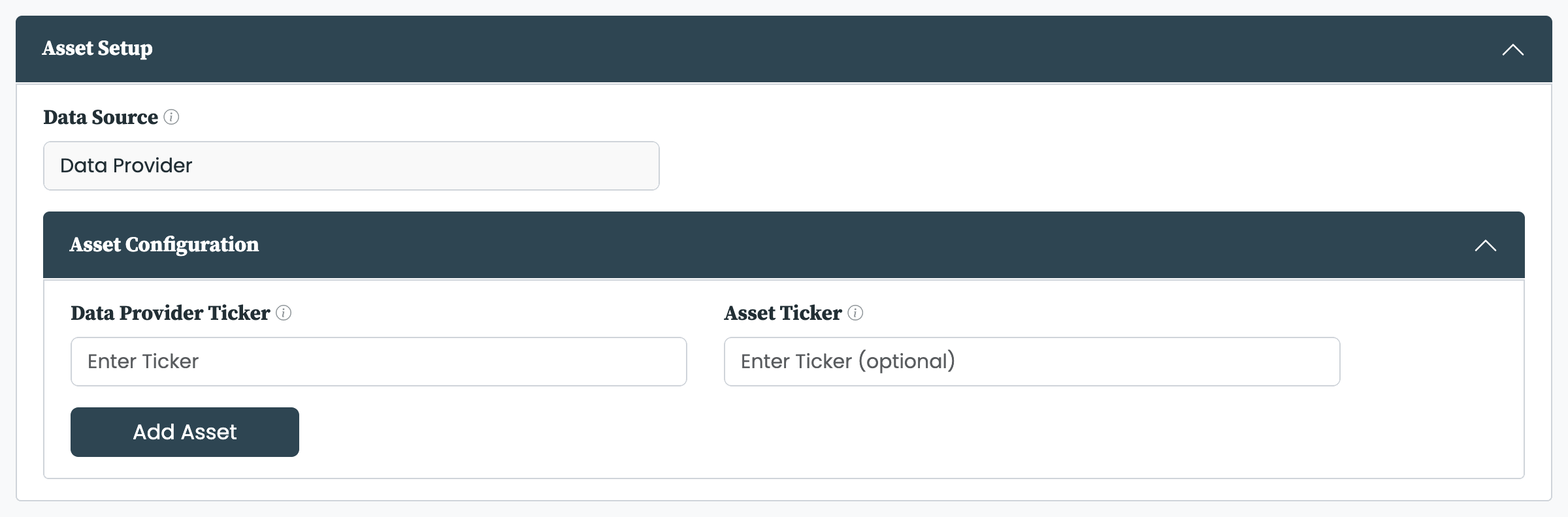
The Data Provider form in the Asset Builder.
pfolio downloads the price history and, once added, updates the asset every day—as it does for every asset in your database. The same engine cleans every series, whichever source it came from—see processing asset data. The new asset behaves like any other from that point on; managing it afterwards is covered in managing assets.
The Asset Builder reports three problems before it adds anything:
- The ticker was not found. No asset matched the Data Provider Ticker on Yahoo Finance. Check the symbol against the provider and try again.
- The asset is already in the database. An asset with that Asset Ticker already exists. Use the existing asset, or choose a different Asset Ticker.
- Please only use standard characters for the asset name. The Asset Ticker contains characters that are not allowed.
Adding an asset requires the Asset Builder add-on. Without it the Asset Builder opens read-only and an alert points to where the add-on is activated. The add-on is tier-gated, so the plan you are on determines whether it is available.


