


Tracking your positions
Tracking your positions is the quick way to follow your investments. You enter what you currently hold and the price you paid for it, and pfolio works out each holding's current value and its profit or loss. It also gathers your holdings into the My Investment Positions list, which you can reuse across the platform. See Investments calculations explained for how the figures are worked out.
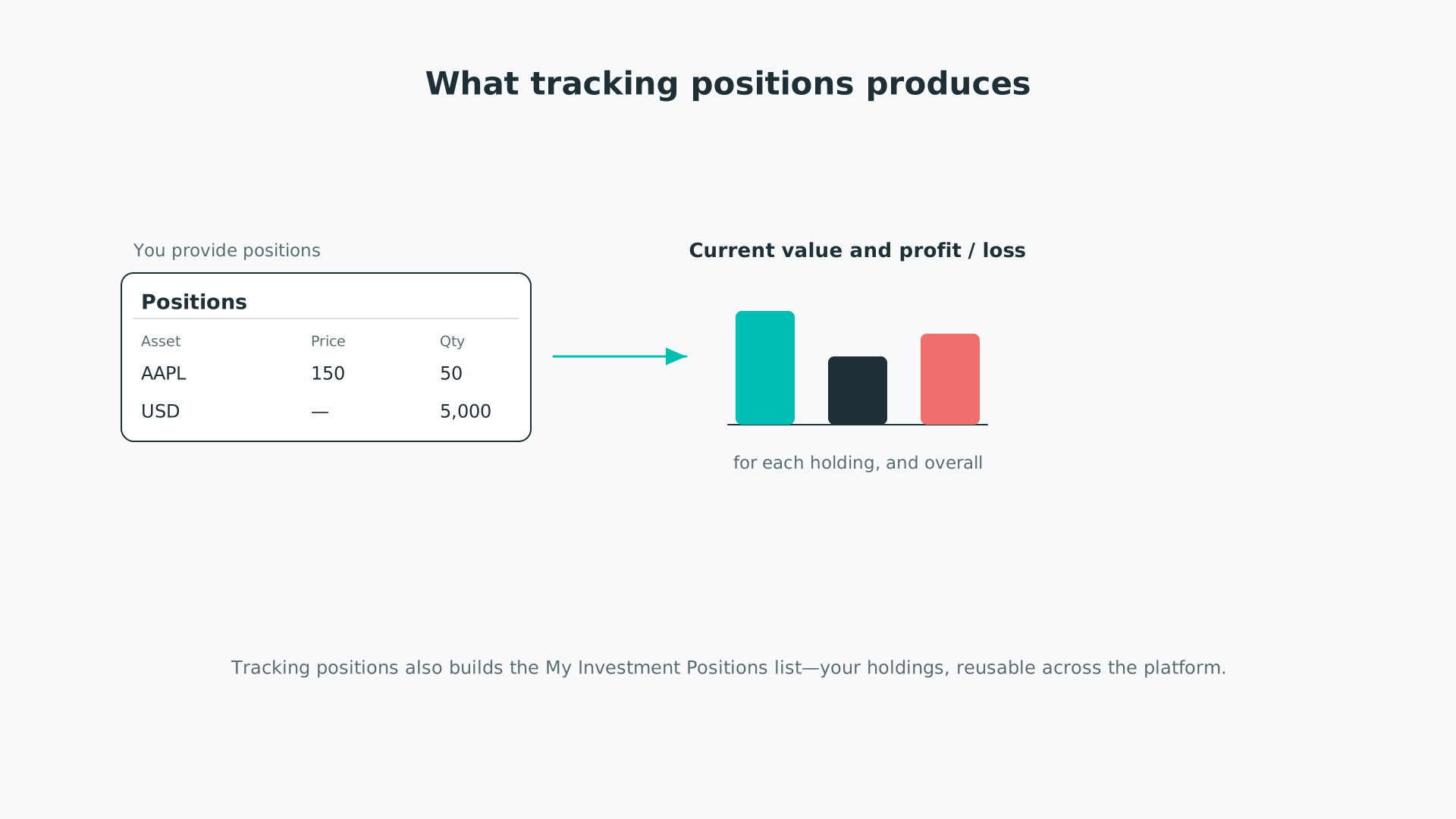
From the positions you enter, pfolio works out current value and profit, and builds a reusable holdings list.
It is one of two ways to track in the Trade Log—see Tracking your transactions for the fuller, over-time method, and Tracking your investments for how the two fit together.
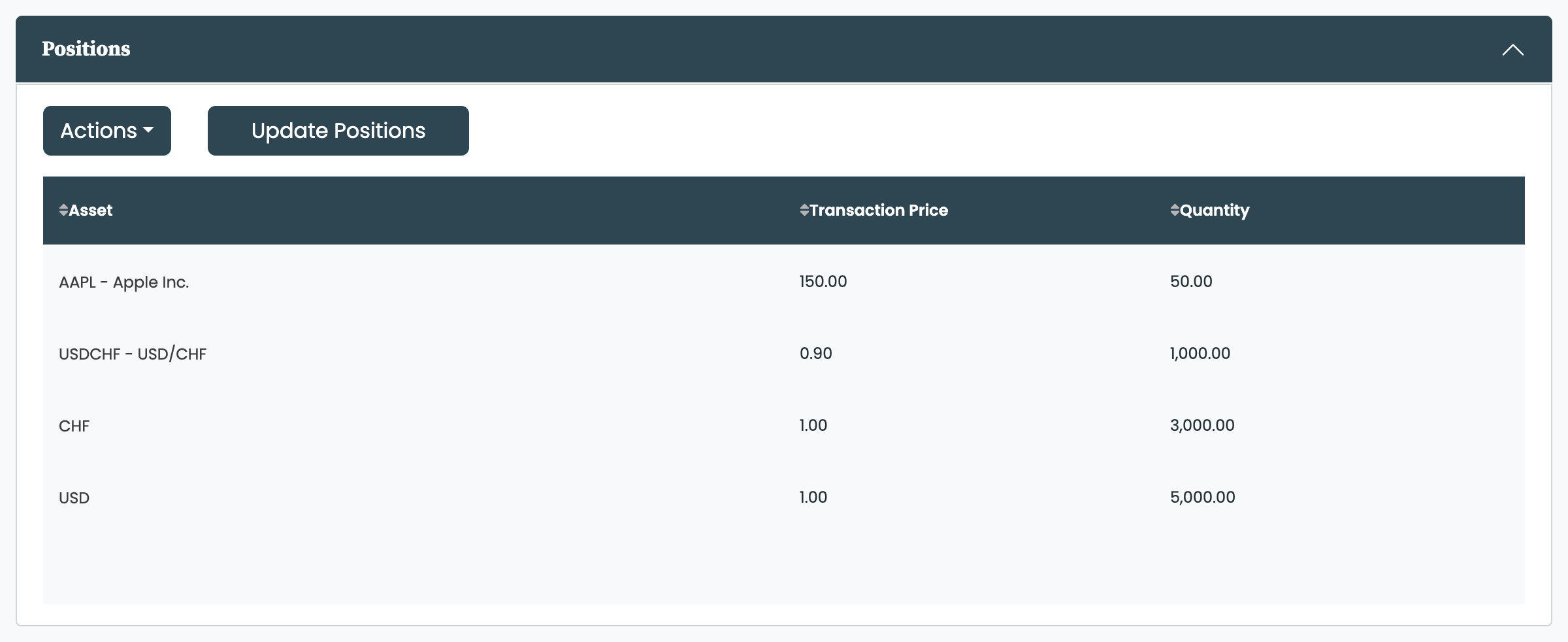
Head to the Trade Log page. Each row is a single holding, made up of three columns:
- Asset: the asset you hold, chosen from a dropdown that lists the assets in your asset database.
- Transaction Price: the price you paid for it—your cost basis for that holding.
- Quantity: the number of units you hold.
You can type your positions straight into the table or upload them. To upload, use this template. The following functions are available:
- Input: type directly into the table cells, or pick from the dropdowns in the Asset column.
- Upload: select Upload from the Actions menu, then drag and drop or choose a CSV or Excel file. Uploaded positions are added to the positions already in the table.
- Edit: edit any cell directly in the table.
- Update Positions: once the table looks right, click Update Positions to save your positions.
- Remove an entry: clear the values in its row and click Update Positions—blank rows are dropped when you save.
- Delete all: select Delete from the Actions menu, then click Confirm Deletion.
- Download: select Download from the Actions menu to download your positions.
Tracking your positions.
Tracking your positions creates an asset list, My Investment Positions, holding every asset you currently own.
If you also track transactions, your positions are derived from them and this table becomes read-only—see Tracking your transactions.
A plain currency and an exchange-rate pair behave differently in the Asset column:
- A plain currency (for example CHF) is a cash holding. Open the dropdown, scroll to the currencies at the end, select one, enter the quantity, and leave the transaction price blank—it is valued directly in your base currency.
- An exchange-rate pair (for example USDCHF, one of your assets) is a position in the first currency priced in the second: you hold the quantity in US dollars at the USDCHF rate you enter as the transaction price, and it is valued like any other asset.
All figures are shown in the base currency you set at the top of the Trade Log—typically the currency your brokerage account is based in. Holdings in another currency are converted using daily exchange rates. See Tracking your investments for the detail, and Investments calculations explained for how the conversion works.


