


Building synthetic assets
Contents
A synthetic asset simulates being invested in several existing assets at a constant allocation. Each day, the component returns are combined at the weights you set, and the blended return is compounded into a single daily price series. Because the weights are reapplied every day, the synthetic asset behaves as though it is rebalanced daily back to those fixed weights—drift never changes the mix.
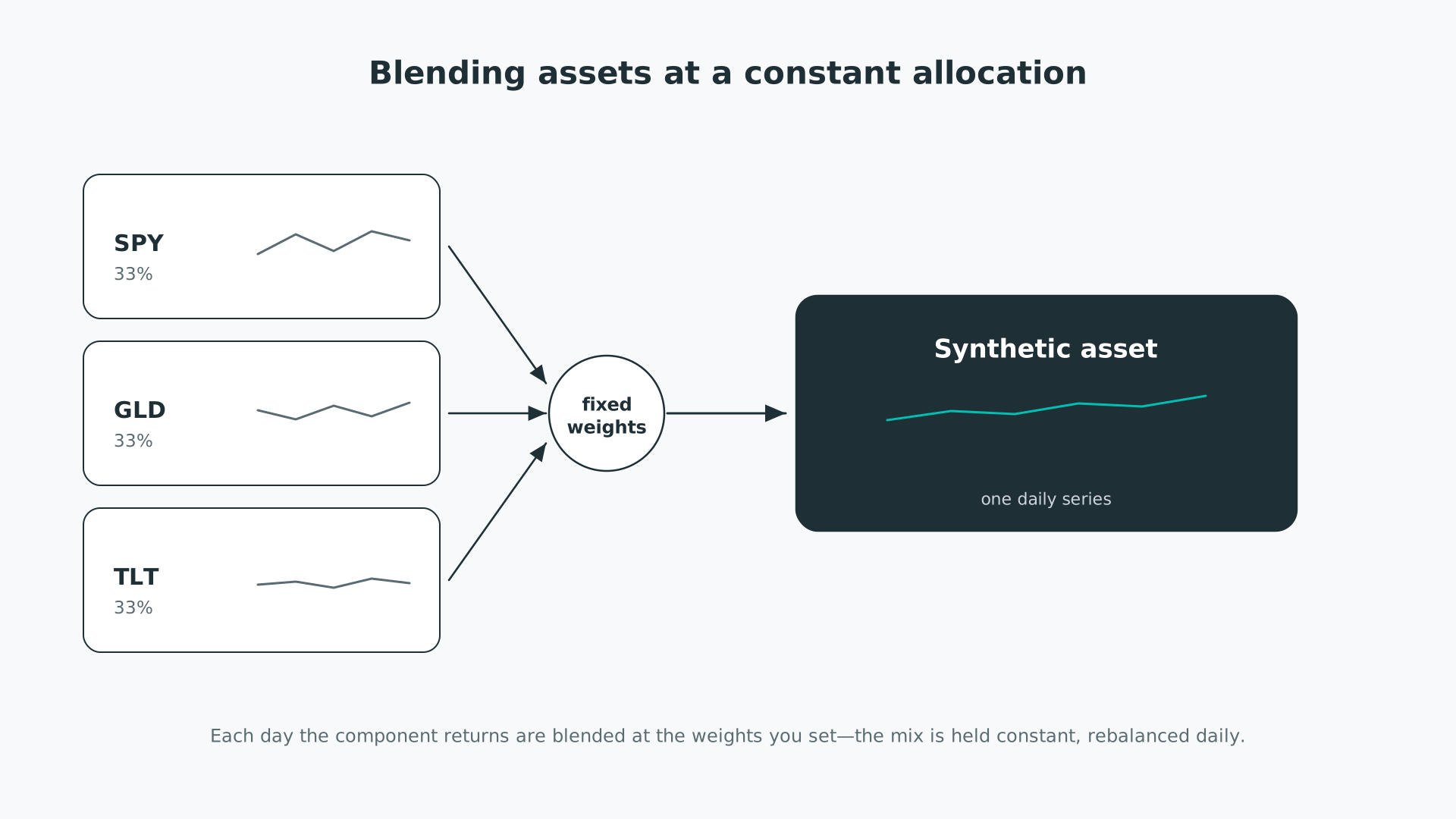
Blending assets at a constant allocation.
Building assets requires the Asset Builder add-on. To create a synthetic asset, open the Asset Builder, select Created as the Data Source, then choose Synthetic Asset as the Type.
A synthetic asset takes up to five component rows, each one an Asset and a Weight. Pick the asset in the dropdown and enter its weight as a percentage in the field beside it.
Weights are relative parts, not absolute percentages: they are divided by the sum of all the weights you enter, so they do not need to total 100%. Entering 50%, 50%, and 100% across three assets gives one part, one part, and two parts—a quarter, a quarter, and a half. A negative weight takes a short position in that component.
The Join Method decides which dates the synthetic asset covers when its components have different histories.
- Inner uses only the date range that every selected component shares—the overlap. The series starts when the last component's history begins.
- Outer uses the maximum date range across the components—the union. On days when a component has no data, that component contributes a zero return to the blend, so the synthetic asset still spans the full range.
| Join | Date range | Missing-day handling |
|---|---|---|
| Inner | Overlap of all components | None: every day is backed by all components |
| Outer | Union across the components | Absent components contribute a zero return |
Inner is the default. Use it when you want every day of the synthetic series backed by real data for all components; use Outer when you want the longest possible history and accept that early days rest on a subset of the components.
Any of the asset transformations—backfill, leverage, fee, yield, and currency conversion—can be applied to a synthetic asset in the same build, and combined in any combination. If you leave the Asset Ticker field blank, pfolio generates a ticker for you; the auto-ticker scheme is described in our asset-building options.
To build a classic equity, gold, and long-bond blend, add three component rows—SPY, GLD, and TLT—and give each a weight of 100%. Because weights are relative, equal weights produce a one-third allocation to each. The resulting synthetic asset tracks a portfolio holding a third in each, rebalanced daily back to those thirds, over whichever date range the Join Method selects.
Building a synthetic asset in the Asset Builder.
For more synthetic assets built this way, see our asset lists: the Currency Indices are weighted synthetic blends, and the Volatility Futures include long and short VIX mid-term synthetics.


